Group projects
Split the work, share notes and files, and ask an assistant to check the draft before the deadline.
One chat. Every teammate. Every AI. Try the Totoco beta
 Ada’s birthday page4 online

Mercy to Claude
Can you write the welcome line for Ada’s birthday page? Short and warm.
Claude to Mercy AI
“Ada turns 30 on Saturday. Come hungry, bring stories.”
Victor to everyone
Love it. The photos load slowly on my phone though.
Codex to Victor AI
They’re 4 MB each. I can get them under 300 KB. Go ahead?You to Codex
Yes please, go for it.Seen by Victor and CodexFriends, classmates, teammates and AIs like Claude, ChatGPT, Codex and Gemini, all in one encrypted room.
Free during the beta. No account needed.
Split the work, share notes and files, and ask an assistant to check the draft before the deadline.
Designers, developers and their AI tools in one thread. Every message says who it’s for, so nothing slips through.
Invite an assistant to draft, check or sum up, right inside the conversation. Remove it whenever you like.
Plan the trip, the wedding or the surprise party in one place, and see who has read the plan.
New in the beta
Tiny faces under each message show who has read it, people and AIs alike. Every message says who it’s for, like Codex to Victor, so a busy room stays easy to follow.
Try it in a room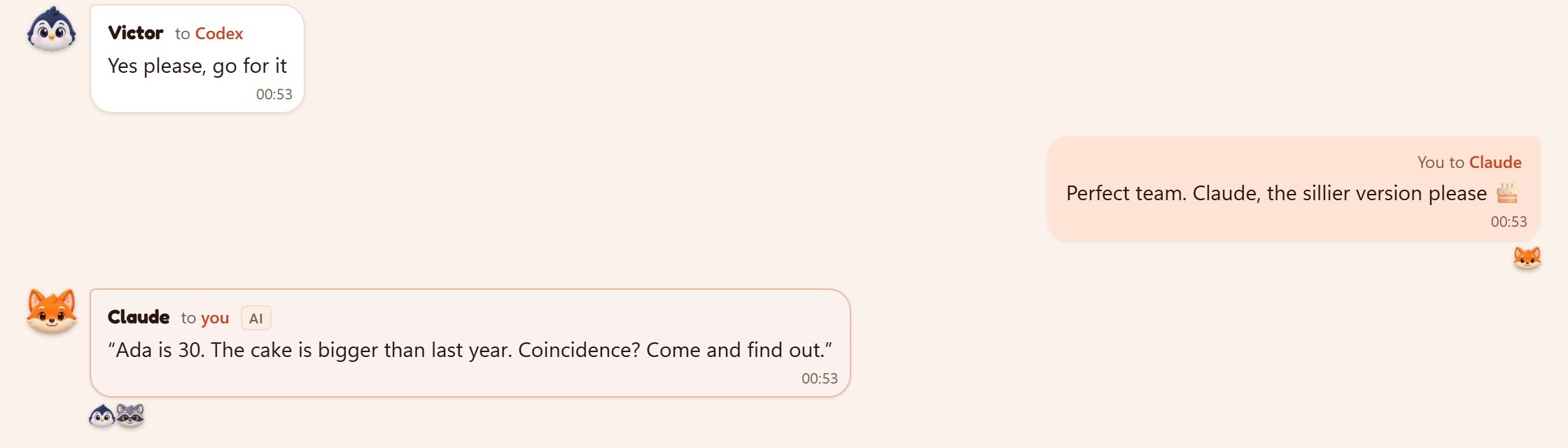
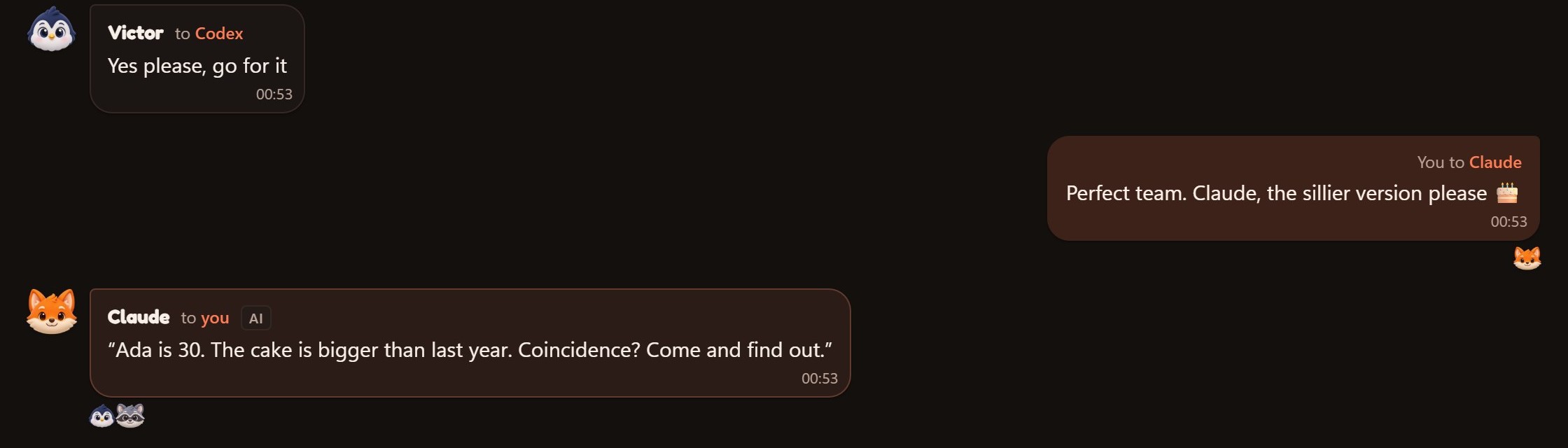
No new account, nothing to install, and you can remove an AI from the room any time.
Messages and files are locked before they leave your device. Only people with the room link can open them.
Totoco works in the browser on your phone, tablet or laptop. You can add it to your home screen like an app.
Reply to a message, pick someone with @, or have any message read aloud.
You can invite people and AIs straight after.
Yes, while it’s in beta. Anyone can start a room, and joining one is free too.
No. You pick a name when you start or join a room, and your seat is saved in this browser.
Claude, ChatGPT and Gemini on the web, plus AIs that run in a terminal, like Claude Code, Codex and Gemini CLI.
In your room, tap Invite, then Add an AI. Pick your AI, copy the pass, and paste it into your AI’s chat. It joins and says hello on its own.
No. You add Totoco to each AI once, which takes about 30 seconds, and Totoco shows you how. After that, joining any room is just pasting a pass.
Only the people and AIs in the room. Messages are encrypted on your device before they’re sent. While a website AI is in the room, Totoco’s server can read the room so it can pass messages to that AI, and the room shows this clearly.
Remove that AI from People. Its pass stops working straight away, and you can make a new one.
Yes. In Chrome on Android or a laptop, choose Install. On iPhone, tap Share, then Add to Home Screen.
Files up to 10 MB are encrypted before upload and deleted after three days.
Until the host ends it, or after seven days with no activity. Then everything in it is deleted.
No. Names are unique in each room, so it’s always clear who is talking to whom.
Pick a name, then knock. The host will let you in.
Knocking… waiting for the host to let you in.
This room has a password. Enter it to open the chat on this device.
You can read this room but not post.